
Your table, your rules
Browse the place, choose the right time, pick the exact table, and keep every update in one clear reservation flow.
Browse available places
Users see the venue before they reserve it.
Choose the exact table
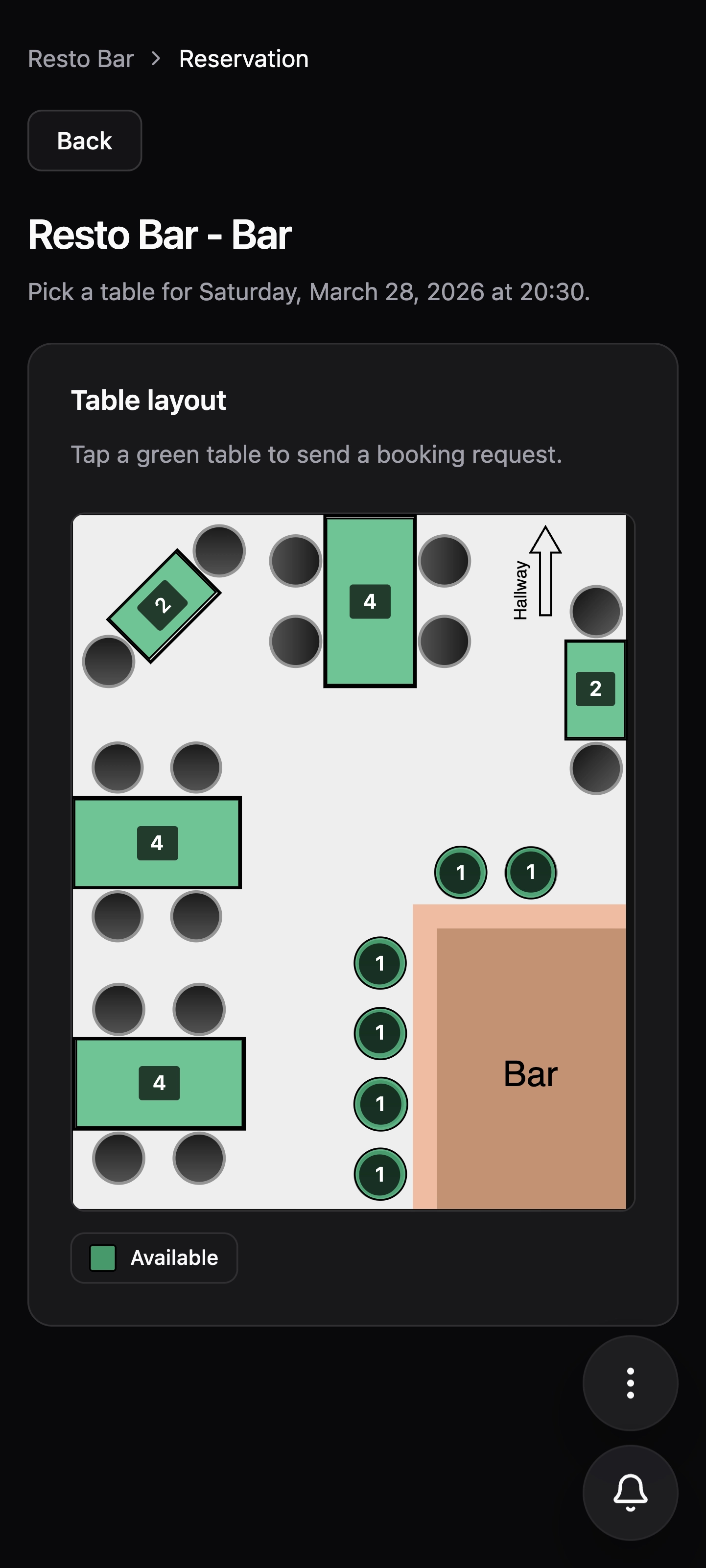
The table layout makes the selection precise.
Follow every update
Notifications and live status keep the flow transparent.
Five clear steps from discovery to booking
The flow now reads more like a product walkthrough: one step at a time, with the image and explanation sharing the same space.
01
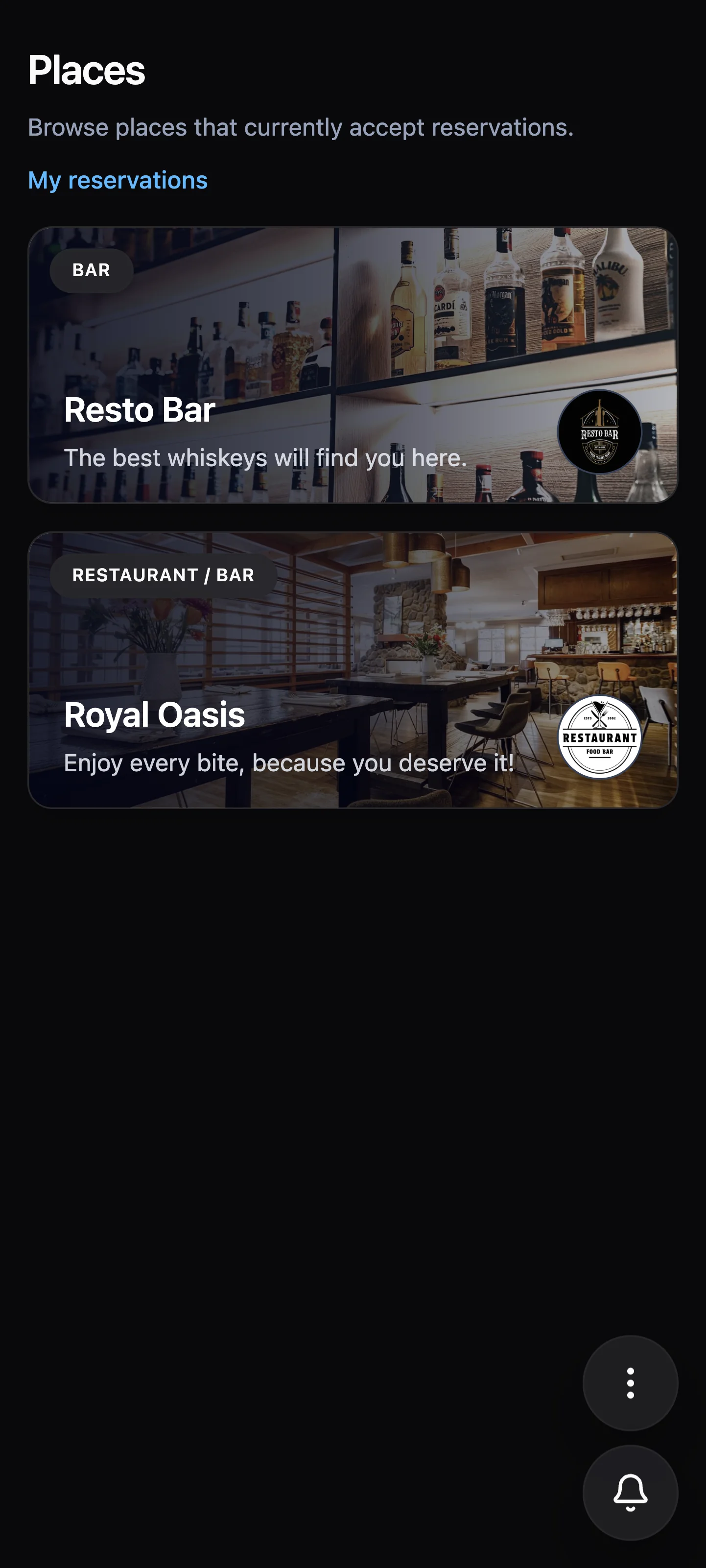
Browse places
Start in the places directory and compare venues by their atmosphere, branding, and booking availability.
02
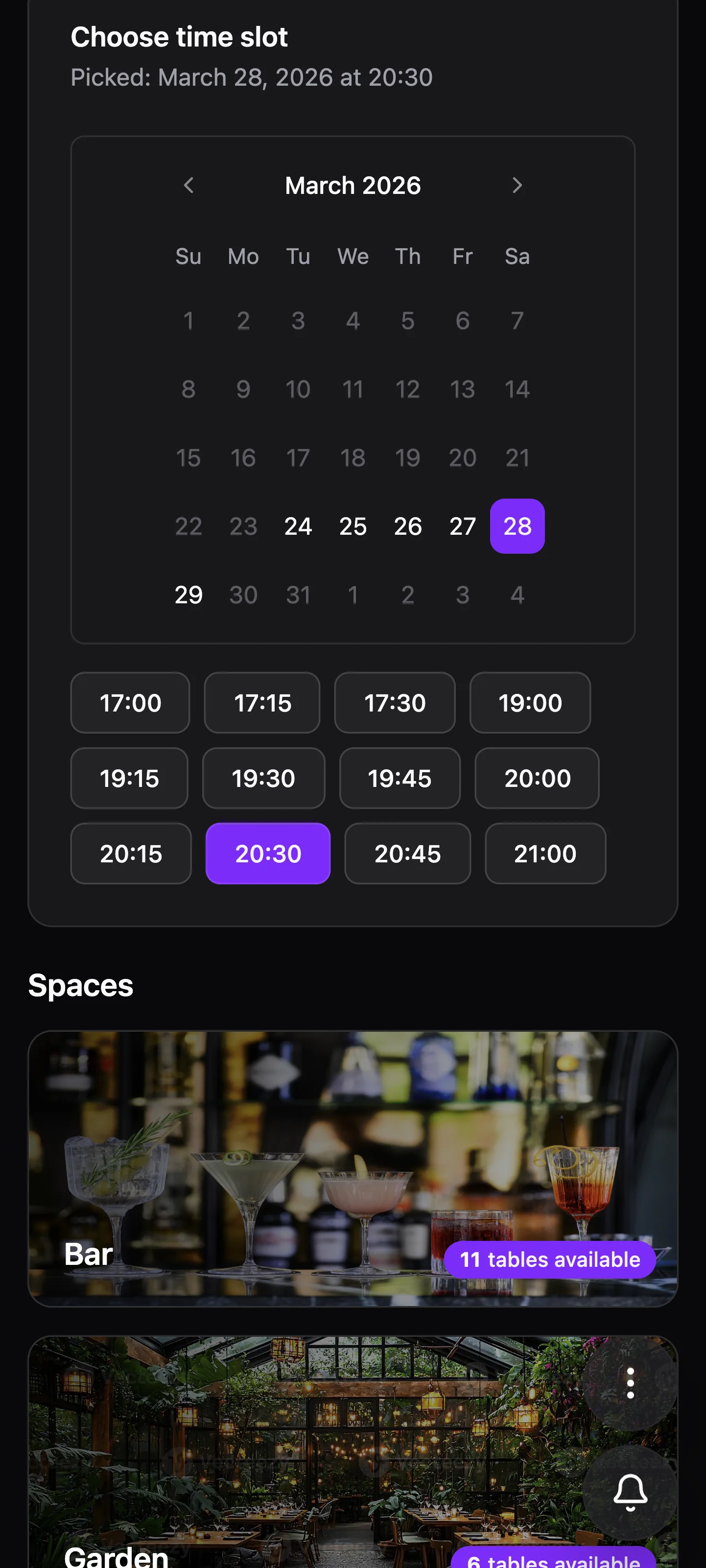
Choose time and date
Pick the reservation moment first so the rest of the flow stays grounded in real availability.
03
Open the table layout
See the actual space and choose a specific table instead of sending a generic reservation request.
04
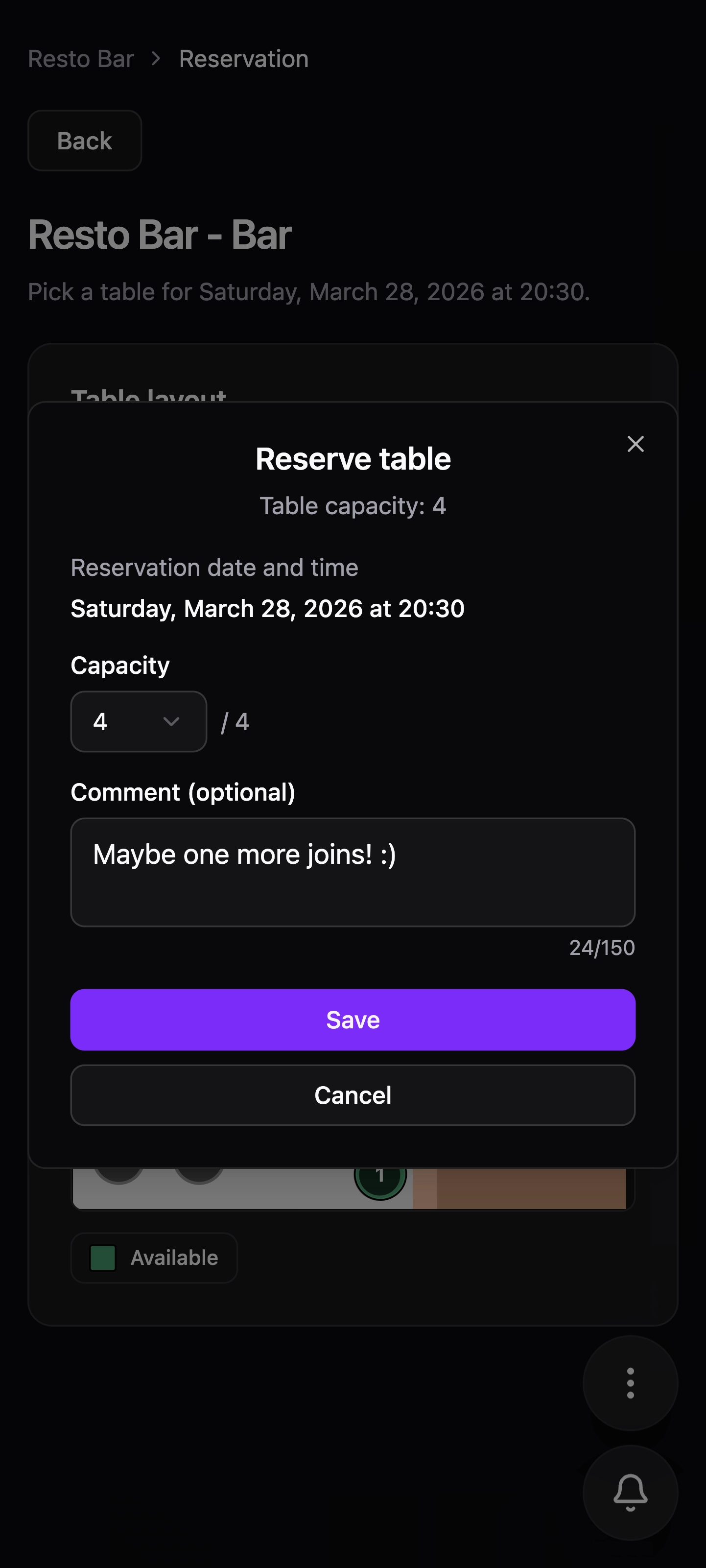
Fill out details
Keep the form short, enter the practical details once, and stay focused on completing the booking.
05
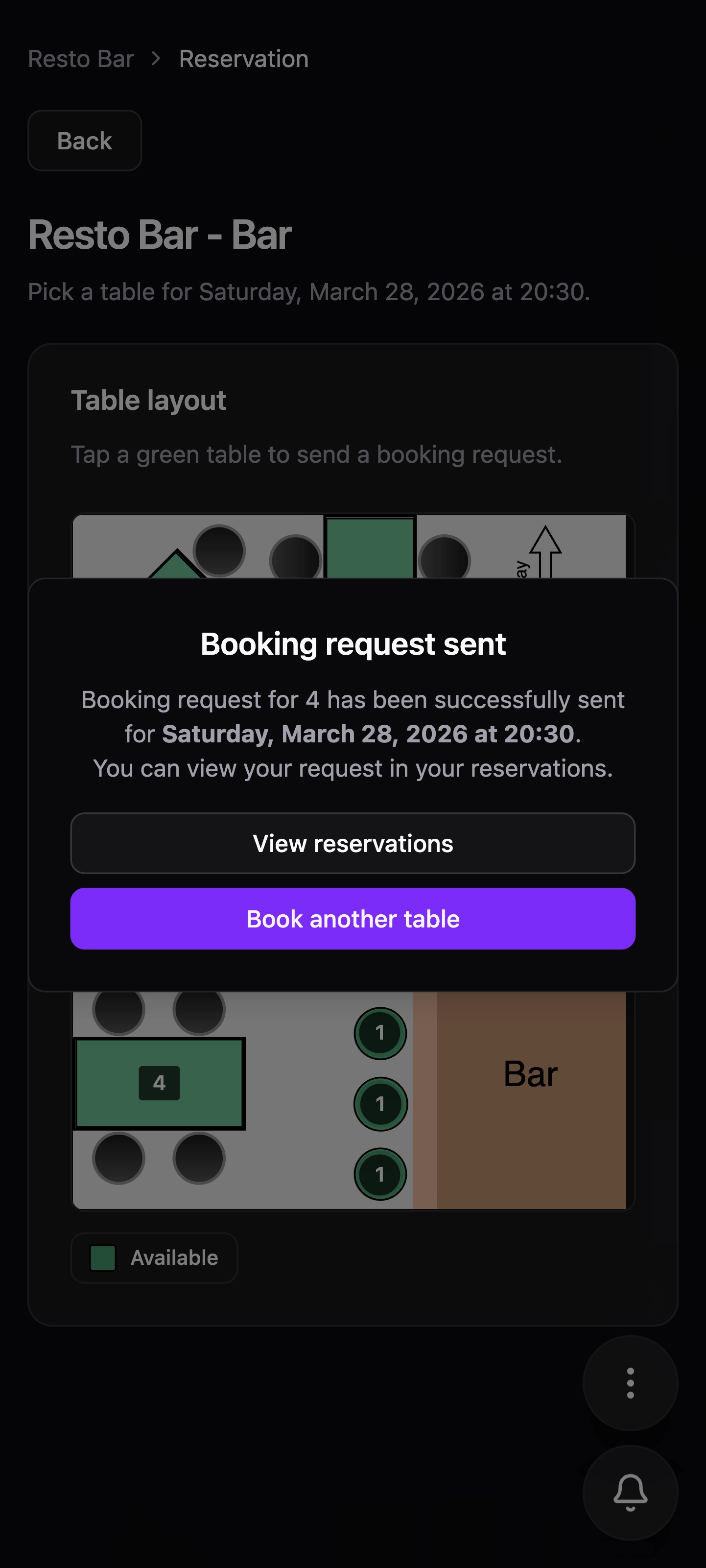
Send the booking
Finish with a clear confirmation that the request was sent and is now ready to be tracked.
Tracking reservations stays clean and easy to scan
Before and after confirmation, the reservation views make it easy to understand what is still pending and what is already locked in.
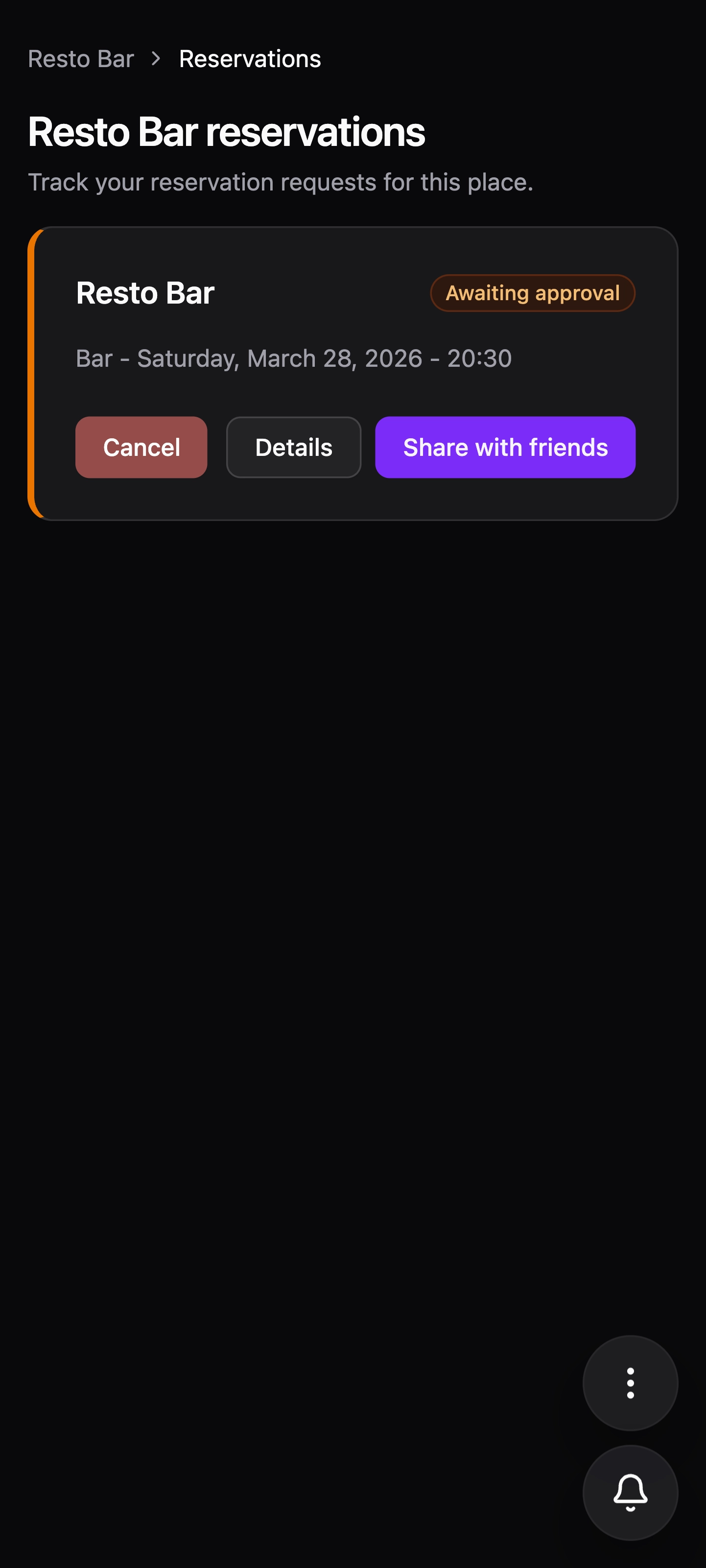
Awaiting
Awaiting reservations remain organized
Users can quickly open every request that is still waiting and understand what still needs a response.
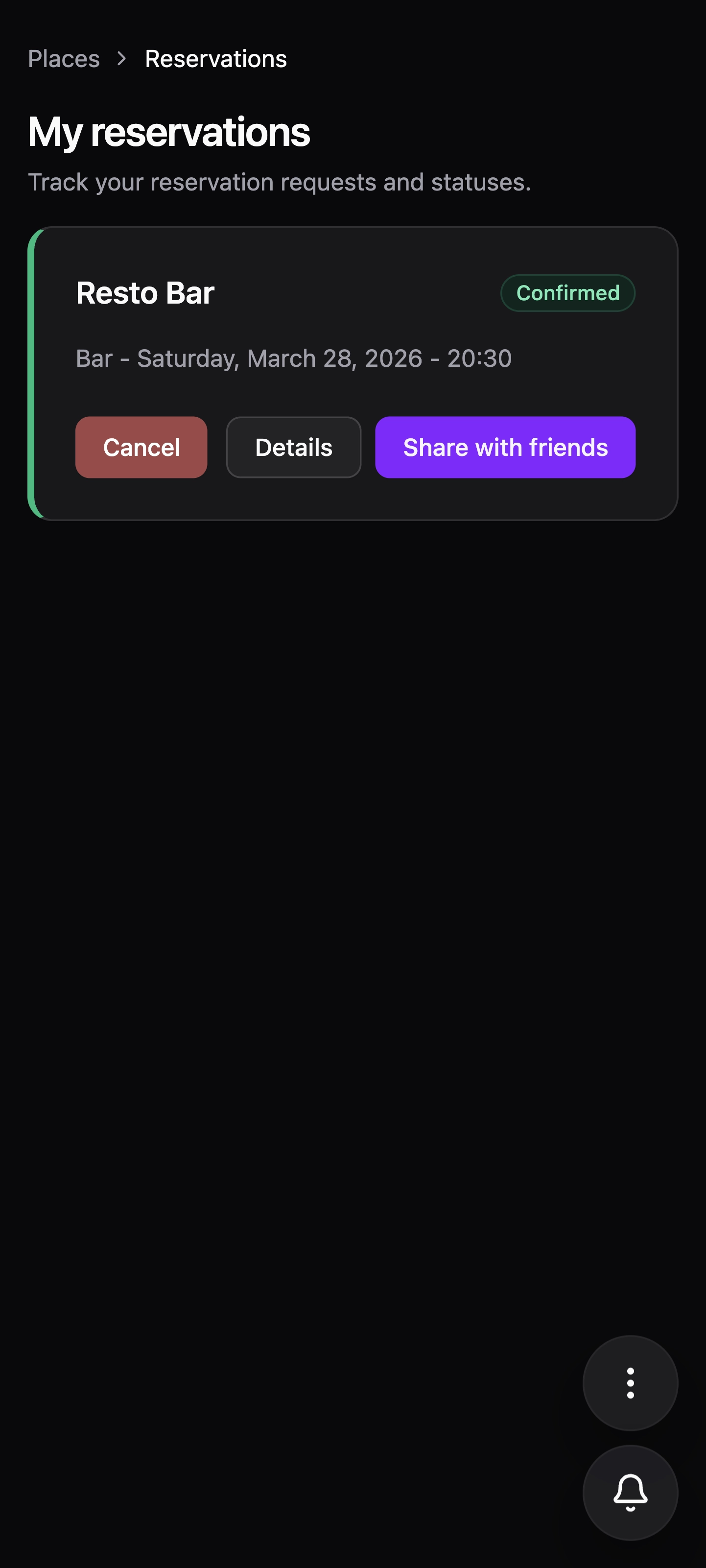
Confirmed
Confirmed reservations stay easy to revisit
Once approved, reservations remain grouped in a clean view that is easy to scan and reopen.
01
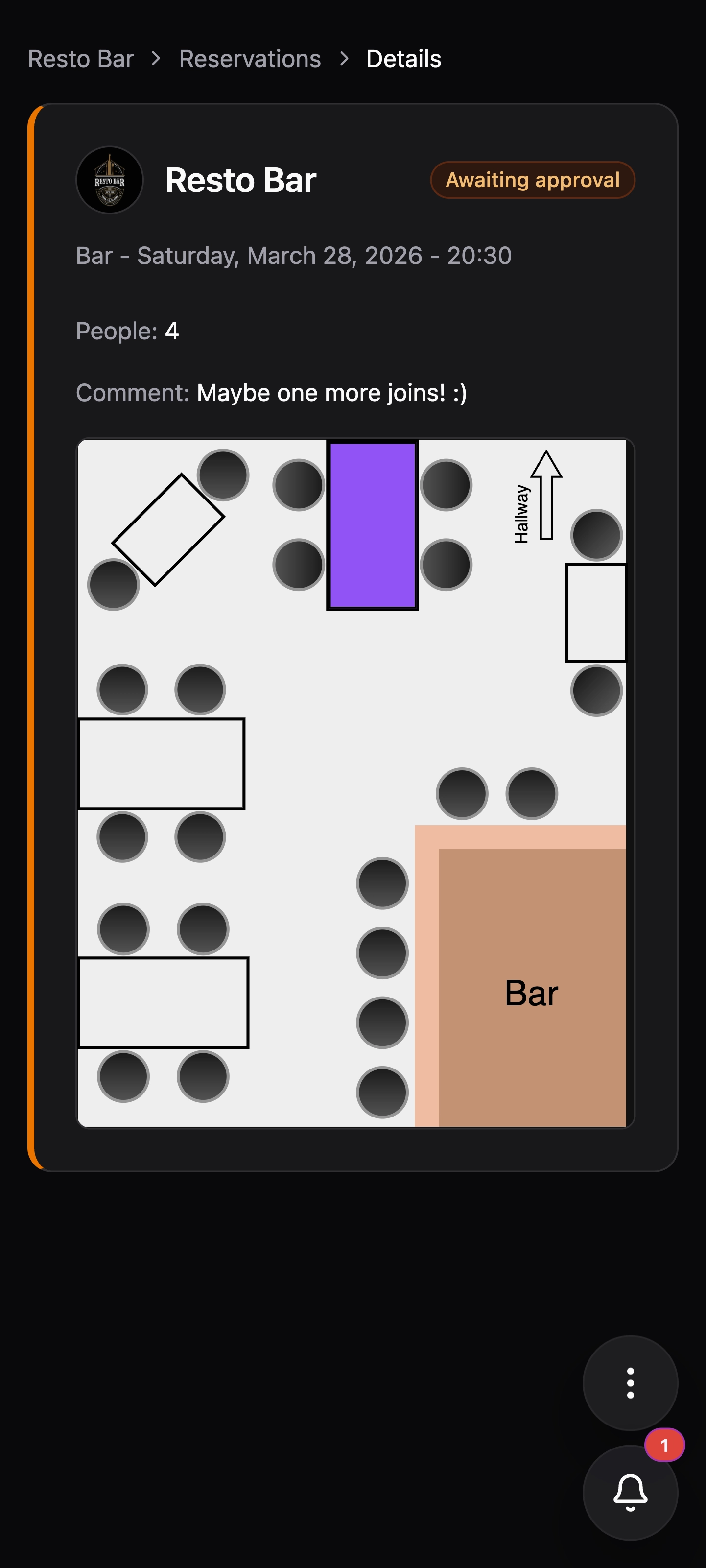
Before the response arrives
Reservation details stay visible while the request is waiting, so users always know what they asked for.
02
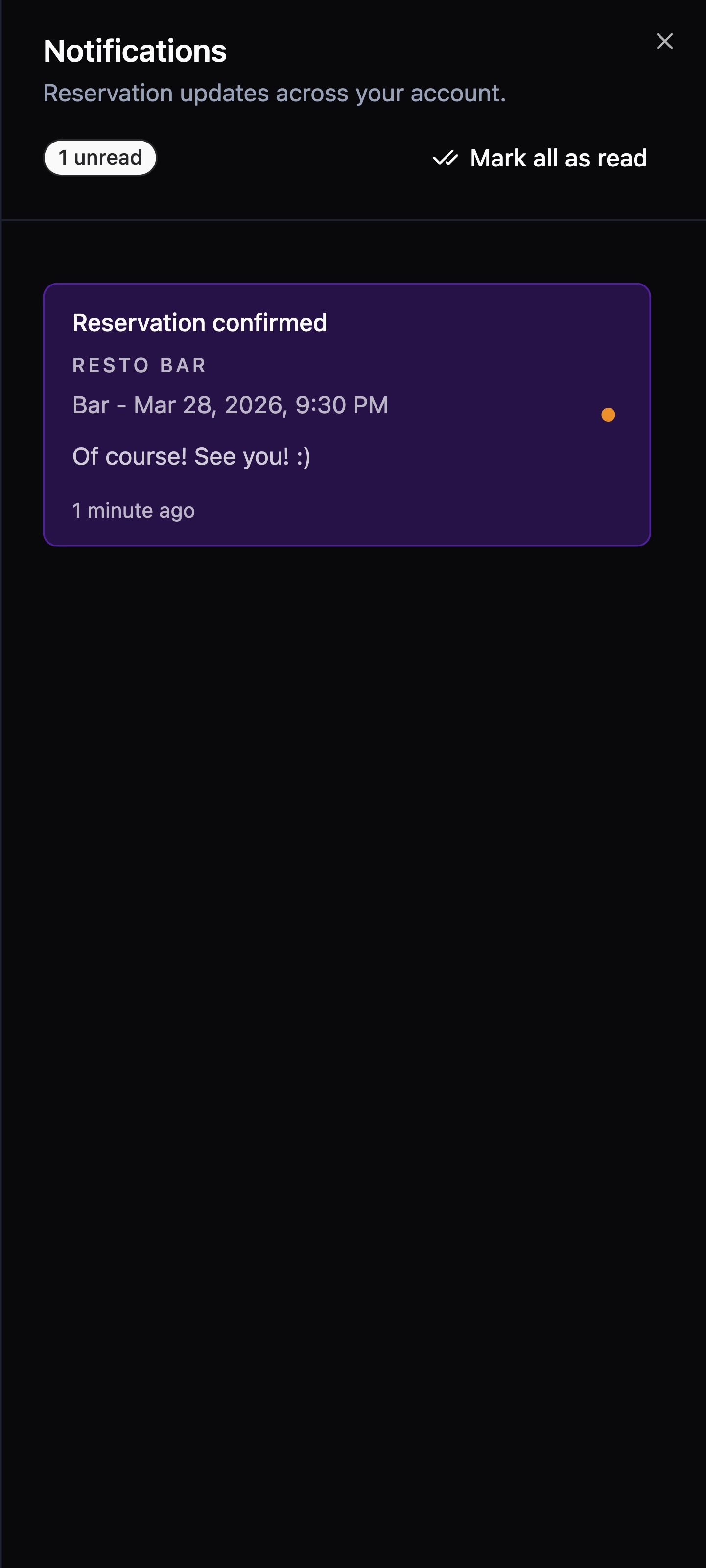
When the confirmation comes in
The notification makes the update obvious immediately, without forcing users to keep checking manually.
03
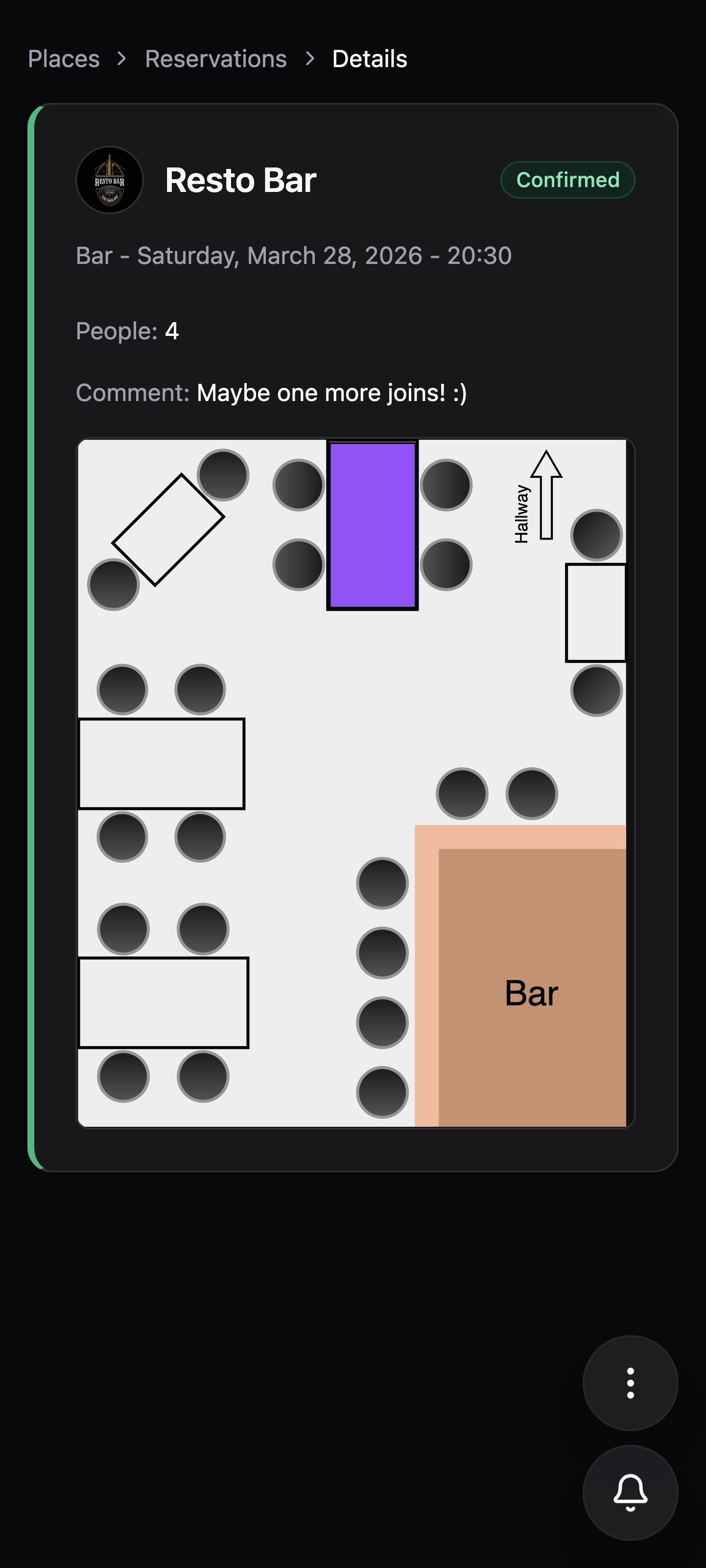
After the booking is confirmed
Confirmed reservation details remain easy to reopen later, giving users one reliable source of truth.
For venues
Start free, keep it when it becomes part of your daily flow
Give your team two months to run real reservations through Reservous. When it saves time and replaces scattered DMs, continue with one simple monthly price.
Main plan
Venue Pro
Free trial
2 months
Then €49 / month after the trial.
A complete reservation workspace for places that want one booking link, clear table control, and fewer manual messages.
Unlimited reservations
Booking link for Instagram, website, and Google profile
Venue profile, branding, and gallery
Spaces and visual table layout
Time slots, working hours, and booking rules
Staff access and place permissions
Reservation updates and notifications
Launch offer
Free one-time setup for the first 10 places
Only 10 launch spots
Jump the queue: we configure your place with you, map the tables, polish the profile, and get your booking link ready without the regular setup fee.
Venue profile configured
Working hours and reservation rules added
Spaces and tables mapped
Staff members invited
Gallery and branding uploaded
Booking link ready to share
One free trial is available per venue.
The trial starts when the venue is activated.
Regular one-time setup is €199, waived for the first 10 places that join.
More benefits built into the flow
Sharing, appearance preferences, and language selection are part of the product experience, not afterthoughts.
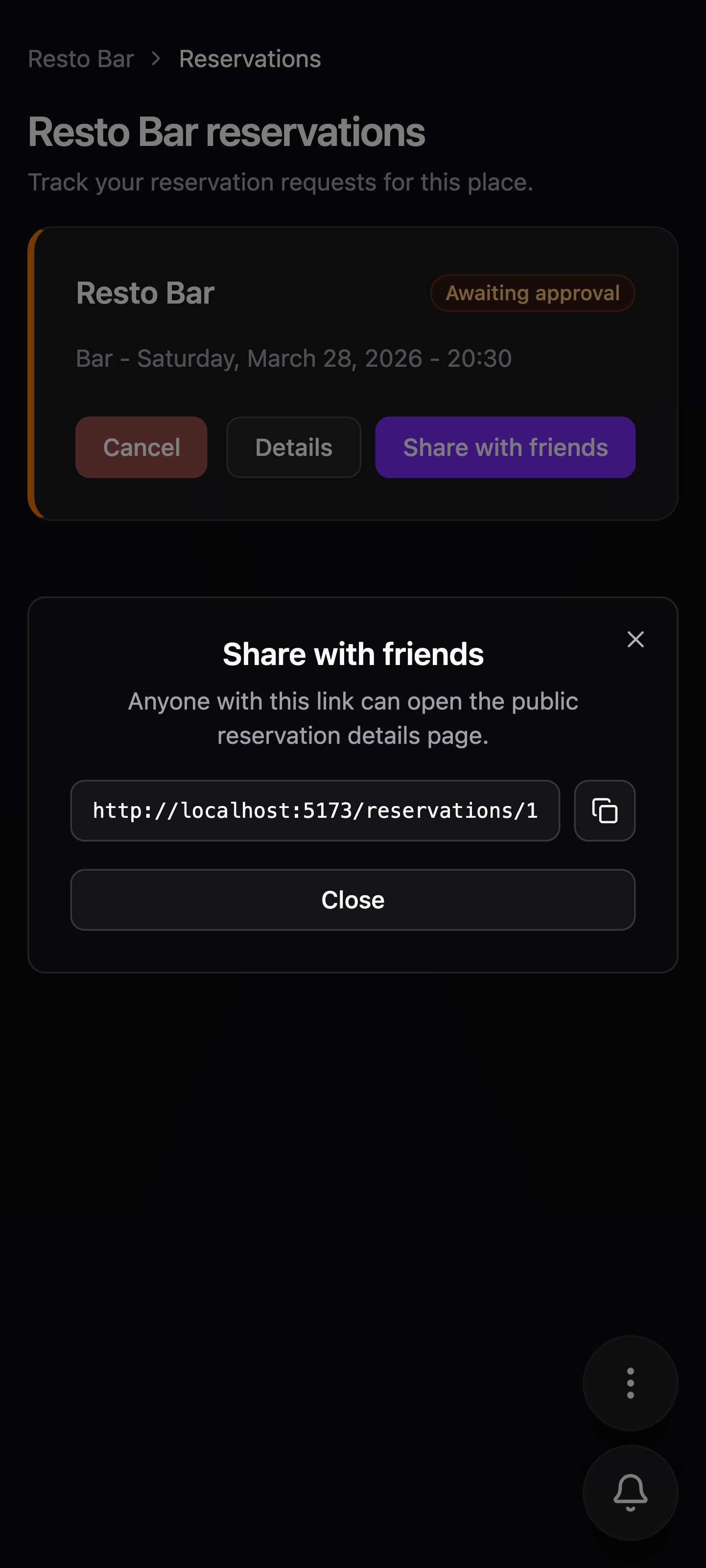
Share the live reservation page with friends
Users can copy a reservation URL, send it into group chats or social groups, and let everyone follow live updates on the same page instead of passing around screenshots.
Dark and light themes both fit the product
The same reservation flow stays clear in both appearance modes, which keeps the app comfortable to use across different devices and preferences.
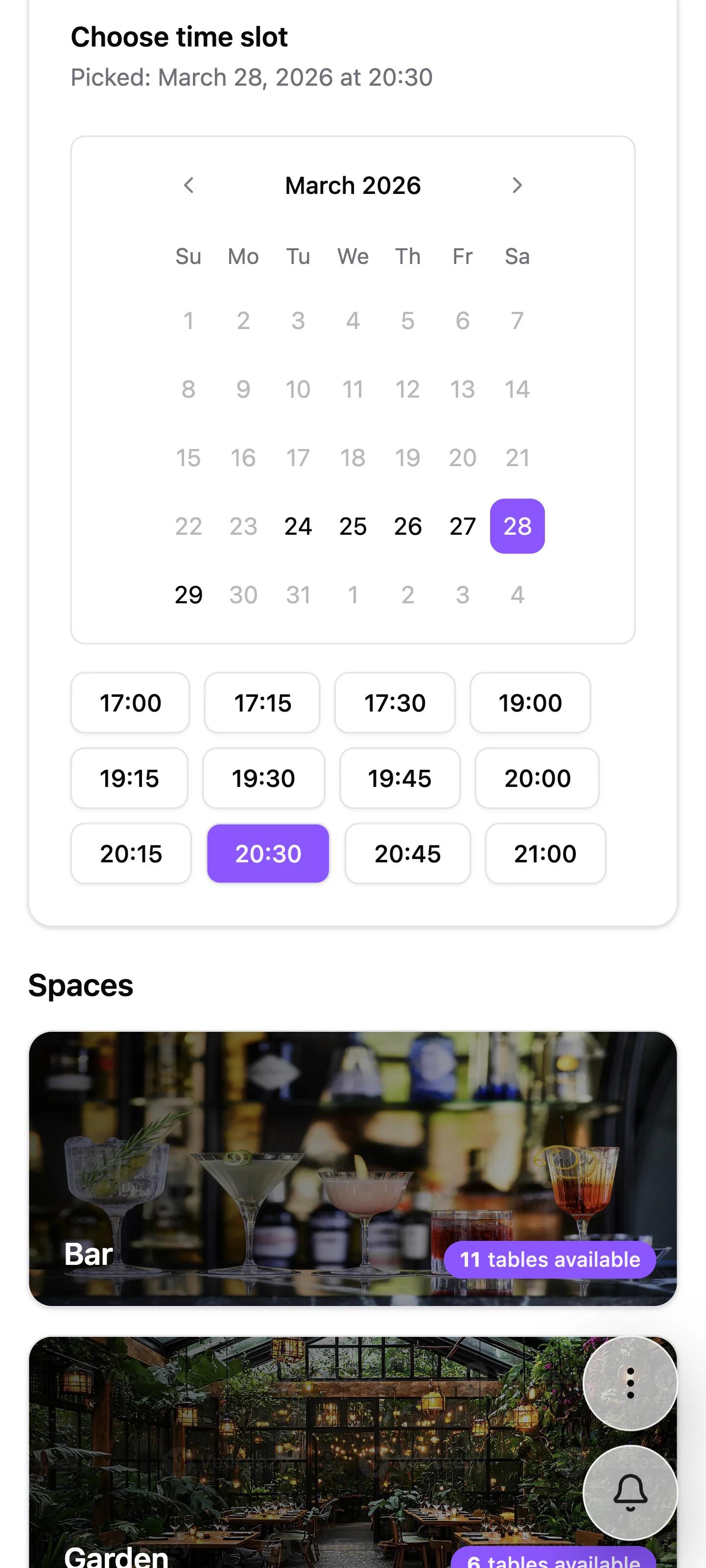
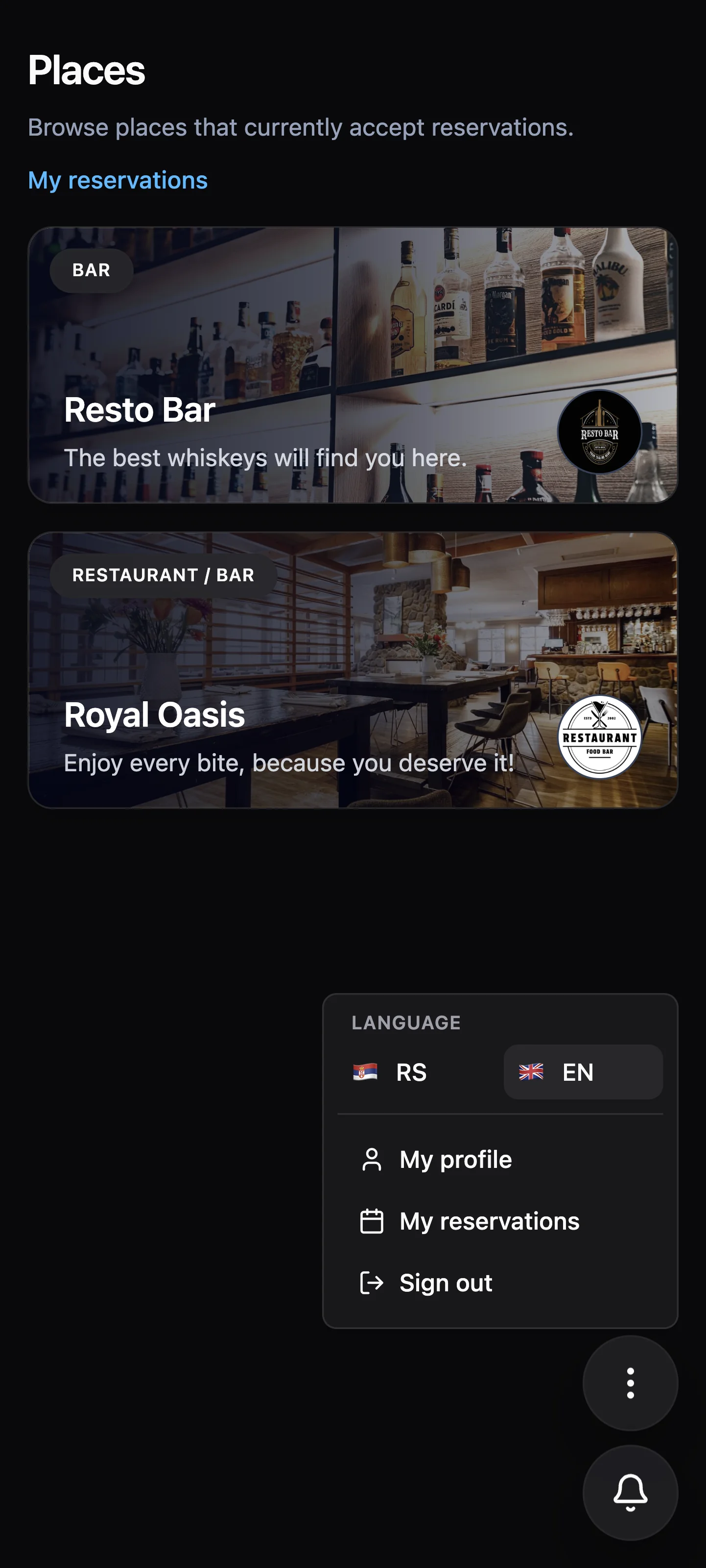
Language preferences are part of the user experience
Users can pick the language that suits them best, which makes the reservation flow easier to adopt across different audiences without changing how the product works.
Ready to book your table and have fun?
Find the right place, pick the right moment, and reserve the table that fits your night.